Decorations
Why Decorations Exist
Meshing directly in SOPs usually leads to:
- Multiple geometry streams.
- Groups and wrangles for “bark here, leaves there, collision over here”.
- Parallel branches for render, proxy, LOD, etc.
It works, but the graph becomes about stream management, not trees.
Decorations solve this by letting you:
- Assign meshing processes directly to parts of the skeleton
via the same UI that defines growth,
instead of splitting streams and wiring SOP branches after the fact.
You lose some direct node visibility, but gain:
- Cleaner growth graphs.
- A layered view: structure → meshing → LOD/variants.
- Controlled, optimised execution handled by Natsura.
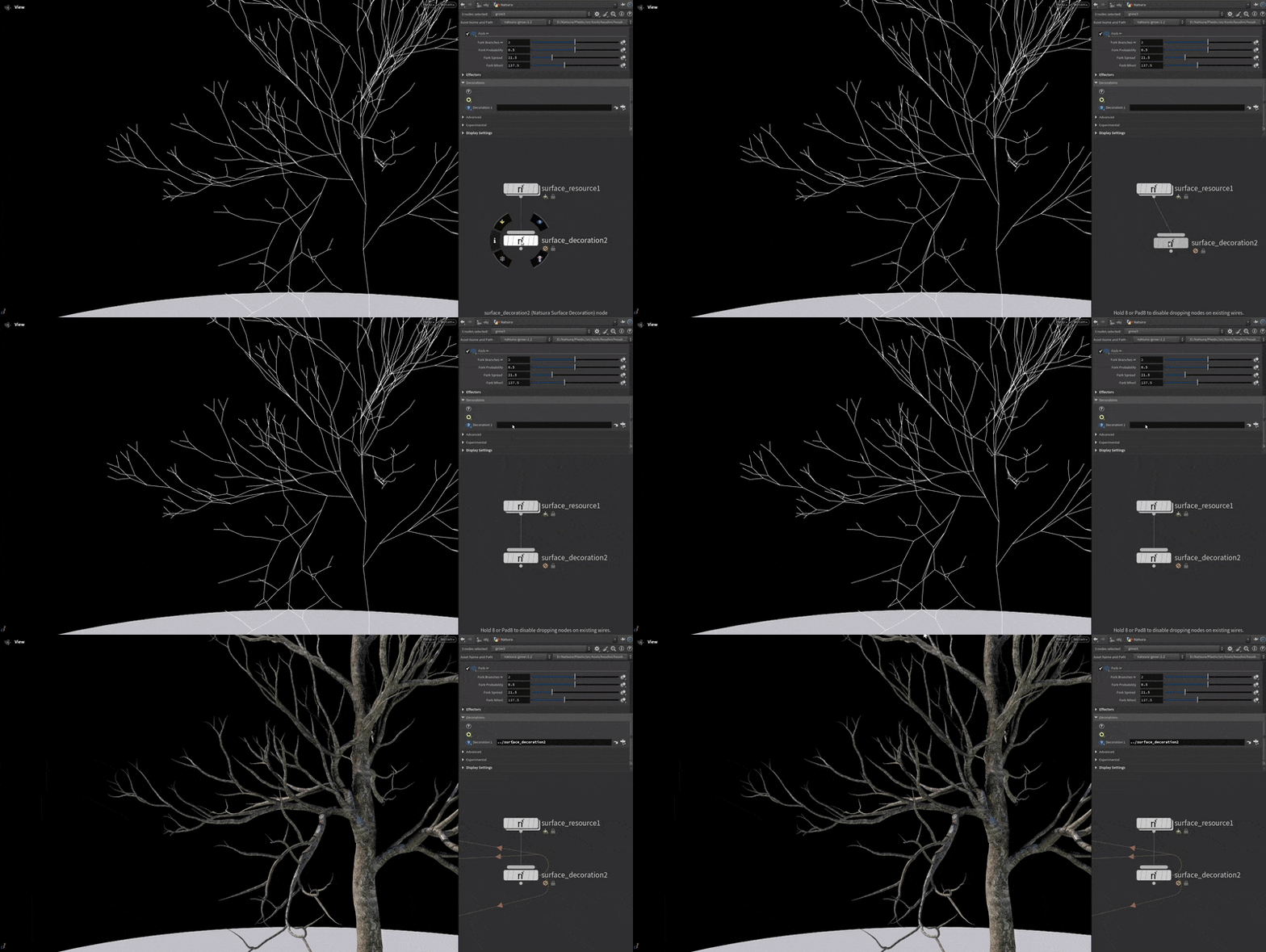
What Decorations Are
Decorations are Natsura’s meshing layer built on compiled SOP graphs.
Each decoration is:
- A SOP network that turns internodes + attributes into geometry.
- Compiled and wrapped so Simulate can invoke it efficiently.
- Assigned from nodes like Grow, rather than via ad-hoc SOP branches.
They don’t affect how plants grow.
They decide how that growth is represented: trunks, clusters, shells, proxies, LODs, etc.
Where Decorations Fit
Typical flow:
- Build a growth graph with Grow / Split / Repeat / Switch / Wrangle.
- Run Simulate to get a skeleton and attributes.
- Let Decorations run as post-processes inside the same Simulate pass.
You can still export the skeleton and mesh it manually with SOPs when needed.
Decorations are for reusable, shareable, predictable meshing.
Using Decorations
- Finish growth
Get a skeleton you’re happy with. - Attach decorations
On relevant nodes:- Trunk / surface decoration.
- Cluster decoration for foliage.
- Optional collision / LOD / proxy decorations.
- Adjust parameters
Use decorator UIs for thickness, noise, density, asset choice, etc. - Layer and swap
Stack multiple decorators on the same skeleton, or swap them for different looks / pipelines. - Export or iterate
Export meshes, or refine growth and decorations independently.
You think in terms of layers on a structure, not in terms of streams and groups.
What Decorations Enable
Decorations let you:
- Keep growth graphs about structure and logic.
- Reuse meshing setups across assets and projects.
- Swap styles and representations without touching growth:
- Different bark styles.
- Different cluster sets / atlases.
- Different LOD and proxy stacks.
Evaluation stays:
- Deferred.
- Partial.
- As independent as possible between decorations.
Surface and Trunk
Surface-style decorators turn the skeleton into watertight trunks and branches:
- Use internodes and attributes (generation, radius, height, tags).
- Generate trunk and branch surfaces.
- Layer scan-based detail, heightmaps, or procedural noise.
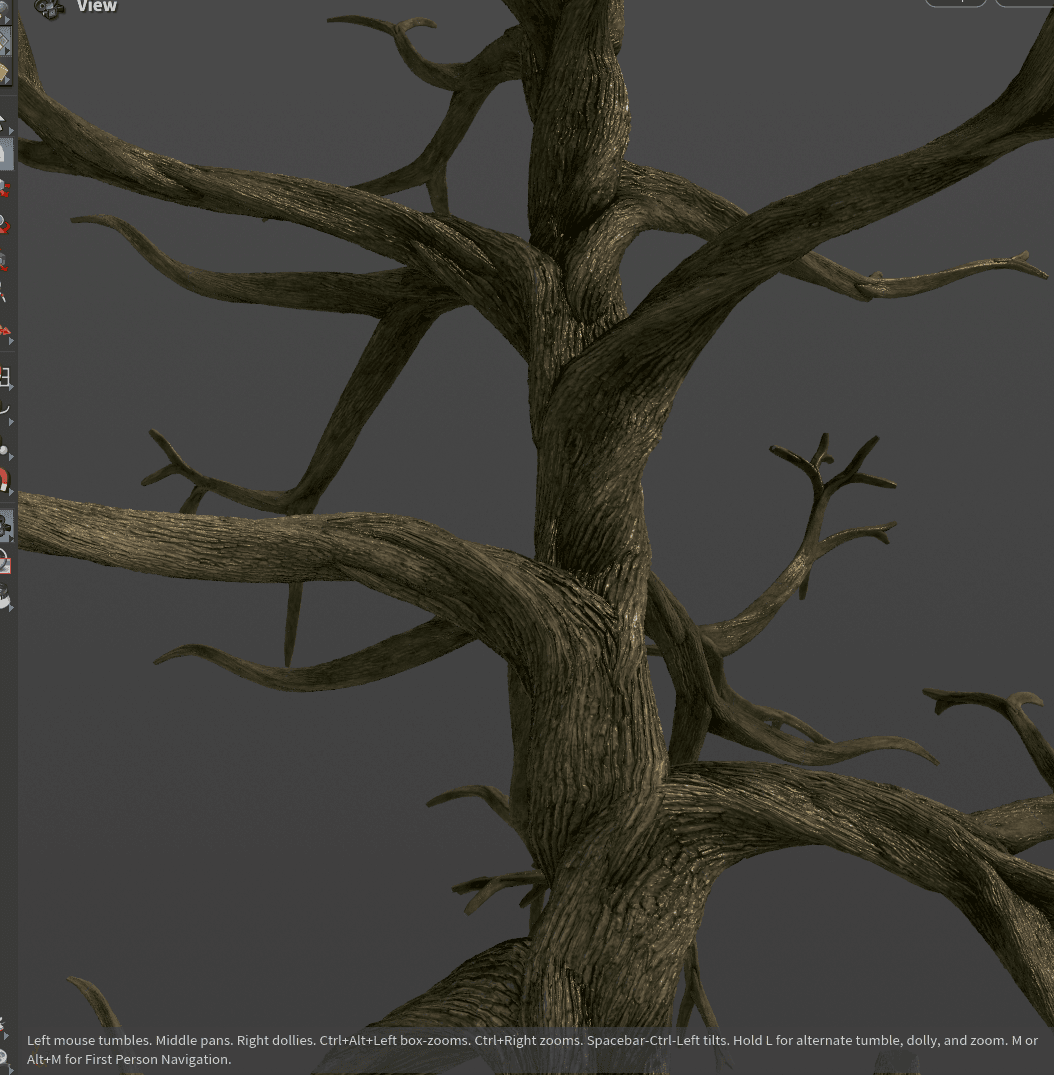
Some trunk decorators can also push data back into simulation, for example:
- Trunk width and profile.
- Start position and shape.
This enables flows like scanning or defining a trunk, then letting growth adapt to it.
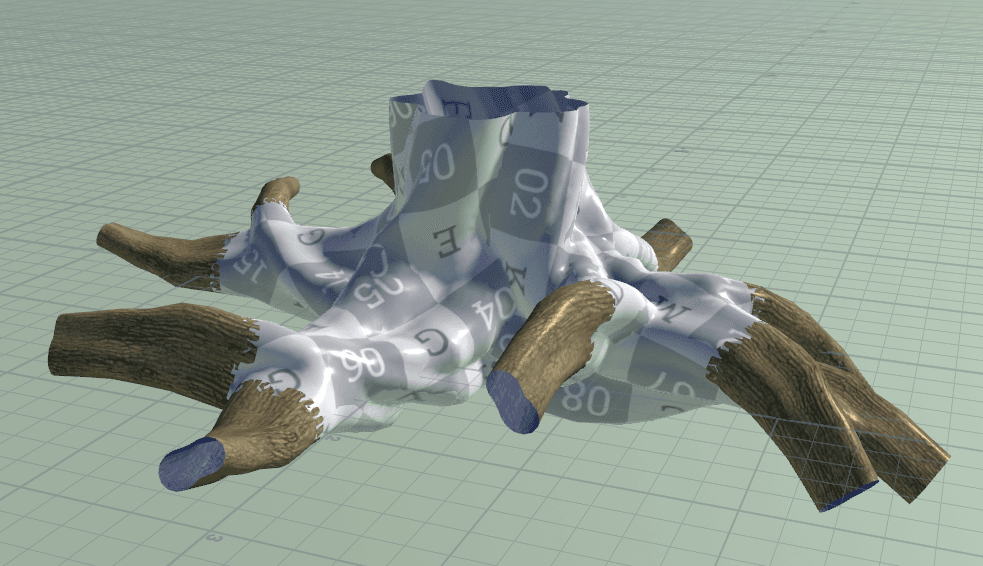
Cluster Decoration
The Cluster Decoration attaches and deforms cluster assets (branch chunks, leaf bundles, fronds, etc.) along the skeleton:
- Instances assets along internodes and bends them to match.
- Built to stay fast on dense crowns and undergrowth.
- Ideal for high-detail foliage.
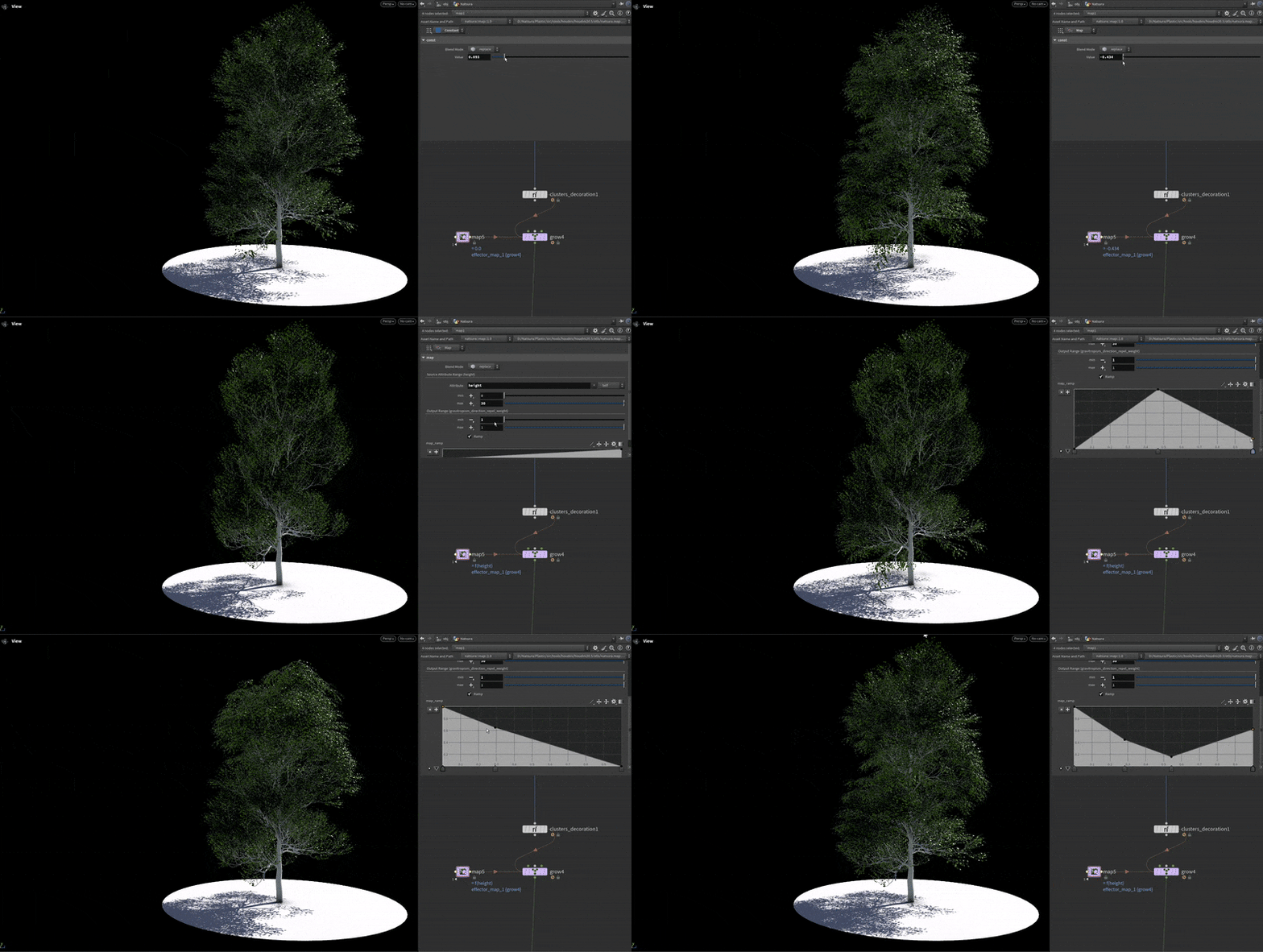
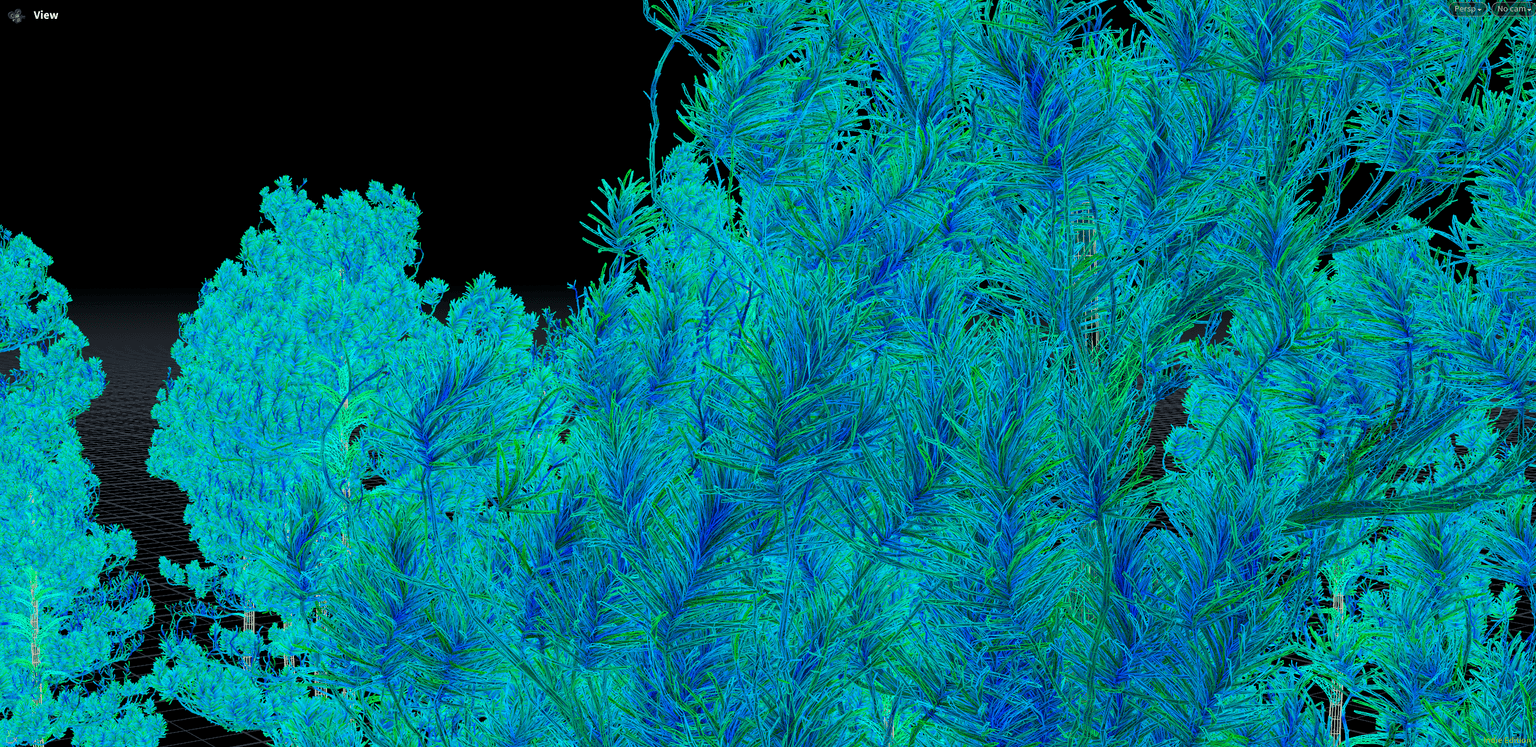
You use it to say: “add this cluster set here, at this density and variation.”
LODs and Variants
With decorators as modules, you can:
- Build separate stacks for:
- High-detail render output.
- Simplified LODs (cards, reduced clusters, cheaper surfaces).
- Gameplay proxies / collisions.
- Drive selection via:
- Attributes on the skeleton (LOD index, tags).
- Export context or downstream tools.
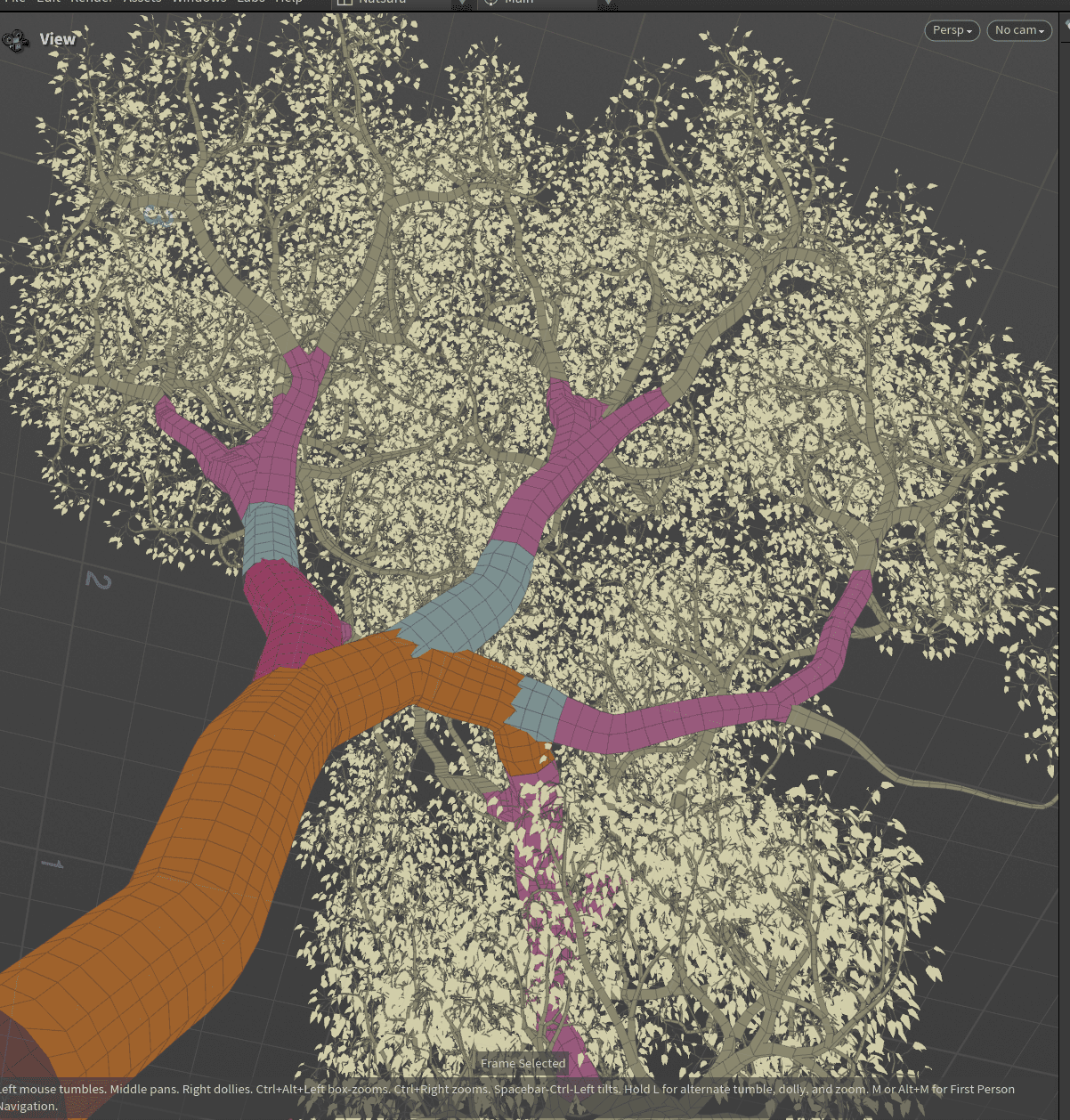
One growth graph, multiple representations.
Selection and Routing
Decorations don’t know “species” or “biomes”.
They run where they’re told.
Routing is driven by:
- Attributes created in the growth graph (regions, generations, LOD ids, tags).
- Logic that decides which decorator stack to use for which parts.
Short version:
- Growth decides where and what.
- Decorations decide how it’s meshed there.
Workflow
A typical workflow:
- Grow
Build and simulate until structure and silhouette work. - Decorate structure
Add a surface / trunk decorator, tune bark and branch blending. - Decorate foliage
Add a cluster decorator, pick assets, tune density and variation. - Add utilities
Add collision / proxy stacks and simplified LOD stacks if needed. - Wire selection
Use attributes to choose which decorations run in which context. - Export or loop back
Export meshes, or feed decorated results back into Natsura (roots, ivy, secondary growth).
Core Decoration
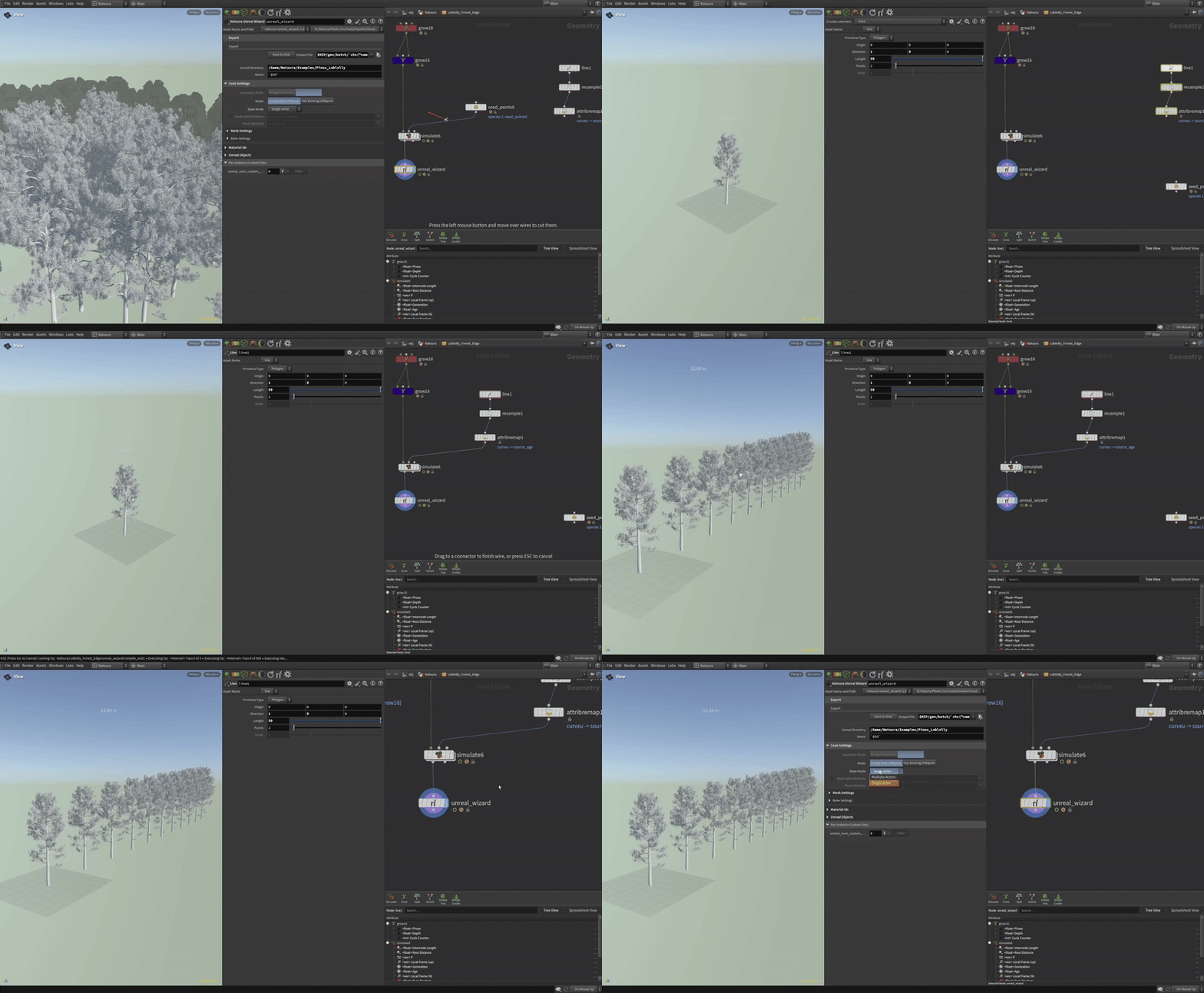
All decorators are built on Core Decoration.
Internally:
- On the growth side, an info stream is assigned to nodes like Grow.
- It holds paths to decoration graphs and metadata about where they apply.
Later, during Simulate, those paths are used to build several internal streams, such as:
- A graph stream containing the compiled meshing SOP network as geometry.
- A parms stream with primitives encoding parameter values.
- Additional control streams.
These streams are then passed to an APEX graph and evaluated.
Stream splitting and merging still happens, but inside this framework instead of all over your scene.
Compiled Graphs
Each decoration is:
- A compiled SOP graph stored as geometry so it can be invoked later.
- Portable: the “geo graph” can be saved (e.g. bgeo) and loaded in another scene and still evaluate.
To keep this working:
- No relative channel references to regular SOP nodes inside the compiled graph.
- Networks should be attribute-driven, not tied to node paths.
Changing the compiled network structure forces a recompile and reattachment.
Parameter changes are treated as data and avoid this.
Parameters and Attributes
To avoid recompiling for every parameter tweak:
- Decoration parameters are passed in as geometry primitives, similar in spirit to Mapping.
- VEX in the decorator reads those primitives (via
primuv()or parameter dictionaries) and turns them into attributes that drive verbs (Sweep, Copy, Deform, etc.).
This gives:
- Cheap re-evaluation: change primitives, keep compiled graph.
- A strong bias toward attribute-centric networks:
- Read primitive data in VEX.
- Write attributes.
- Use attributes to drive verbs.
Many native verbs can be controlled this way; non-verbs and non-compilable nodes are less cooperative.
In practice: work with verbs and VEX inside decorators where possible.
Custom Decorations
You can build your own decorations, but it’s technical:
- Start from Core Decoration or a template.
- Build a SOP network that:
- Consumes the Natsura skeleton and attributes.
- Outputs the meshes you need.
- Avoids non-compilable nodes and tight node-parameter coupling.
Design principles:
- Drive behaviour via attributes and VEX, not relative channel references.
- Expect parameters to come from primitives, not direct UI links.
More templates and examples will follow.
Longer-term, authoring APEX graphs directly for decorations is planned, so APEX users won’t be bound by SOP quirks.
Feedback into Simulation
Most decorations are pure post-process.
Some, like certain trunk decorators, can push information back into the growth side, such as:
- Trunk width curves.
- Trunk shape and origin.
That enables flows like:
- Decorate a trunk (maybe from a scan).
- Use its shape to guide further growth (roots, branches, vines).
- Decorate again.
Powerful, but easy to overcomplicate; dedicated guides will cover these cases.
Decorator Reference
| Node | Summary |
|---|---|
| Core Decoration | Base interface; foundation for all decorators and custom meshing assets. |
| Surface Decoration | Generates trunk and bark surfaces from the skeleton. |
| Cluster Decoration | Attaches and deforms cluster assets (branches, leaves) along the skeleton. |
| Trunk Decoration | Trunk surface generation with scan/heightmap support and optional feedback into growth. |
Mental Model
Decorations are compiled, portable SOP meshing graphs that you assign directly to parts of the skeleton, so you can think in layers and structure instead of geometry streams, groups, and node spaghetti.